3D Property Captures
Drone footage processed into fully explorable 3D scenes. Orbit, zoom, and walk around each property — right in your browser, no app required.
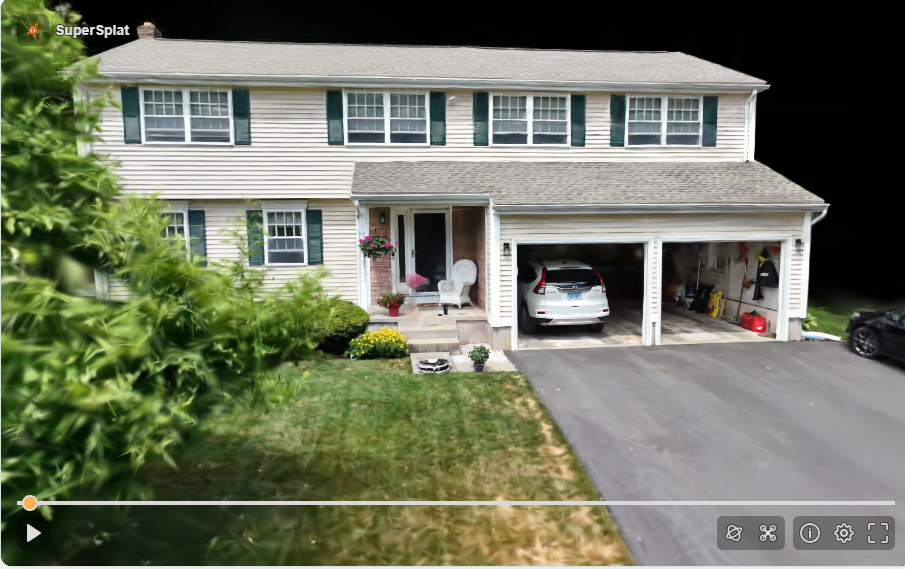
House 1
Residential exterior captured by drone. Orbit the full property, zoom in on details, walk the lot — no app required.
DJI Mini Pro 4 · Luma AI · SuperSplat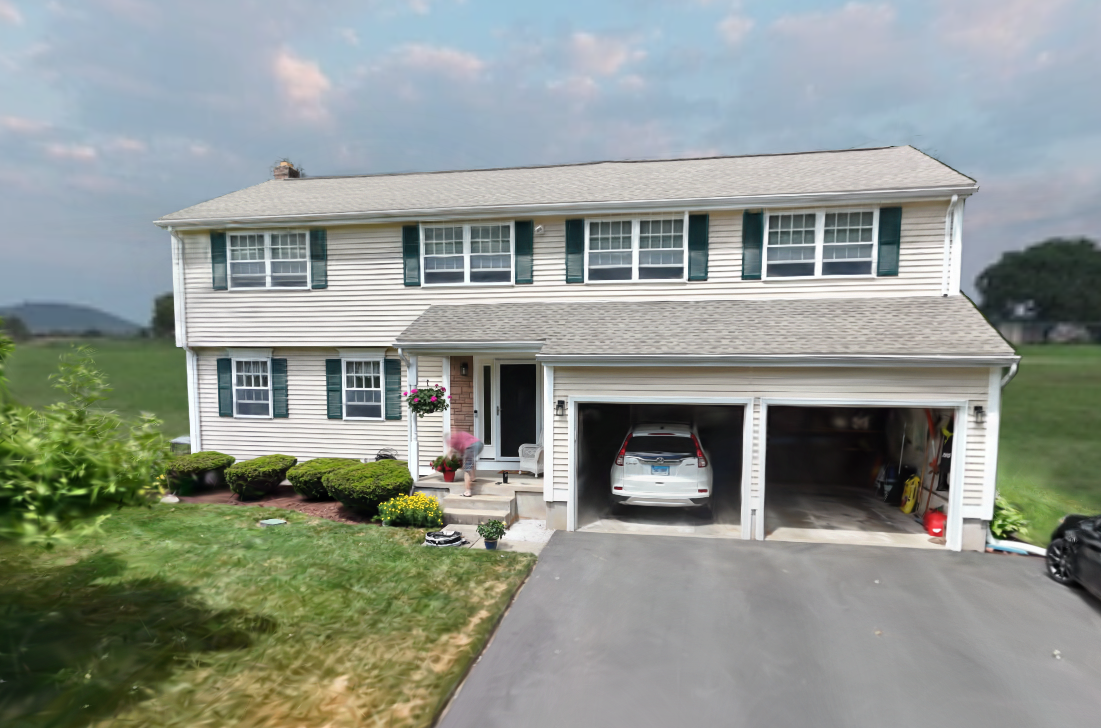
Skybox
A Gaussian splat rendered as a full 360° skybox — the scene wraps around you instead of sitting in front of you.
DJI Mini Pro 4 · Luma AI · SuperSplat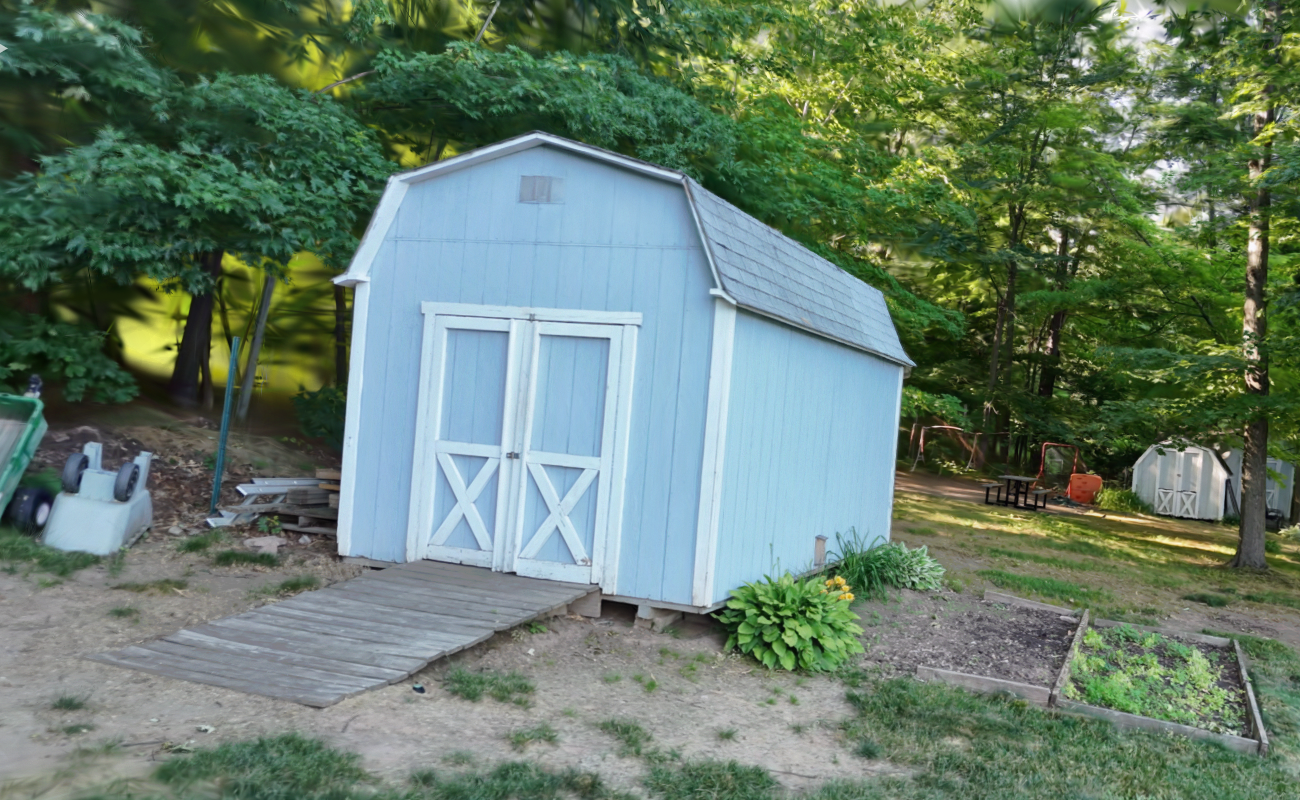
Shed
Drone orbit around a residential shed — testing how well Luma handles a small outbuilding with irregular geometry.
DJI Mini Pro 4 · Luma AI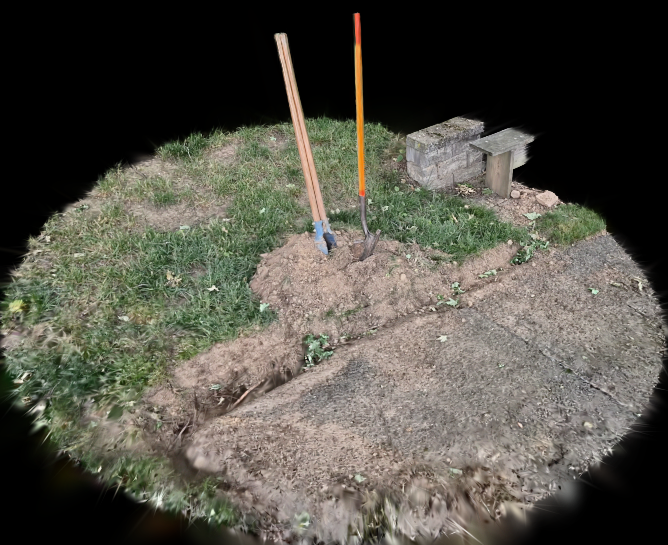
Shovels
A study of dirt and its displacement. Ground-level capture using only a smartphone — a tongue-in-cheek artwork.
Samsung Galaxy S25 · Luma AIHow it works
Fly the drone
Orbit the subject slowly at a consistent altitude, overlapping each pass. A two-minute flight at 3–4 mph produces enough frames for a clean reconstruction. We use a DJI Mini Pro 4.
Upload to Luma AI
The MP4 goes straight to Luma AI. Their servers extract frames, run photogrammetry to map camera positions, then train a Gaussian Splat model — typically in 20–40 minutes. No local GPU required.
Clean up in SuperSplat
Luma exports a .ply file — a point cloud where every point is a tiny coloured ellipsoid. We open that in SuperSplat by PlayCanvas to cull floating artifacts, crop the scene boundary, and publish to a shareable URL.
Embed anywhere
SuperSplat generates an iframe embed. The viewer runs entirely in WebGL — no plugin, no download, no app. Anyone with a link can orbit the scene on a phone or desktop.
Exploratory R&D — not a current service offering.